
A new laptop is exciting, but a little preparation makes it safer and easier to use from the very first day.
Key points
- Install updates first.
- Set up your accounts, security, and backups.
- Move your files carefully.
- Remove software you don't need.
Run updates first
Connect to Wi-Fi and install all available system updates before anything else. The first round of updates can take a while and may need a few restarts.
Set up accounts and security
- Sign in and set a strong password or PIN.
- Make sure the built-in security and firewall are turned on.
- Set up a backup, such as a cloud service or an external drive.
Bring your files across
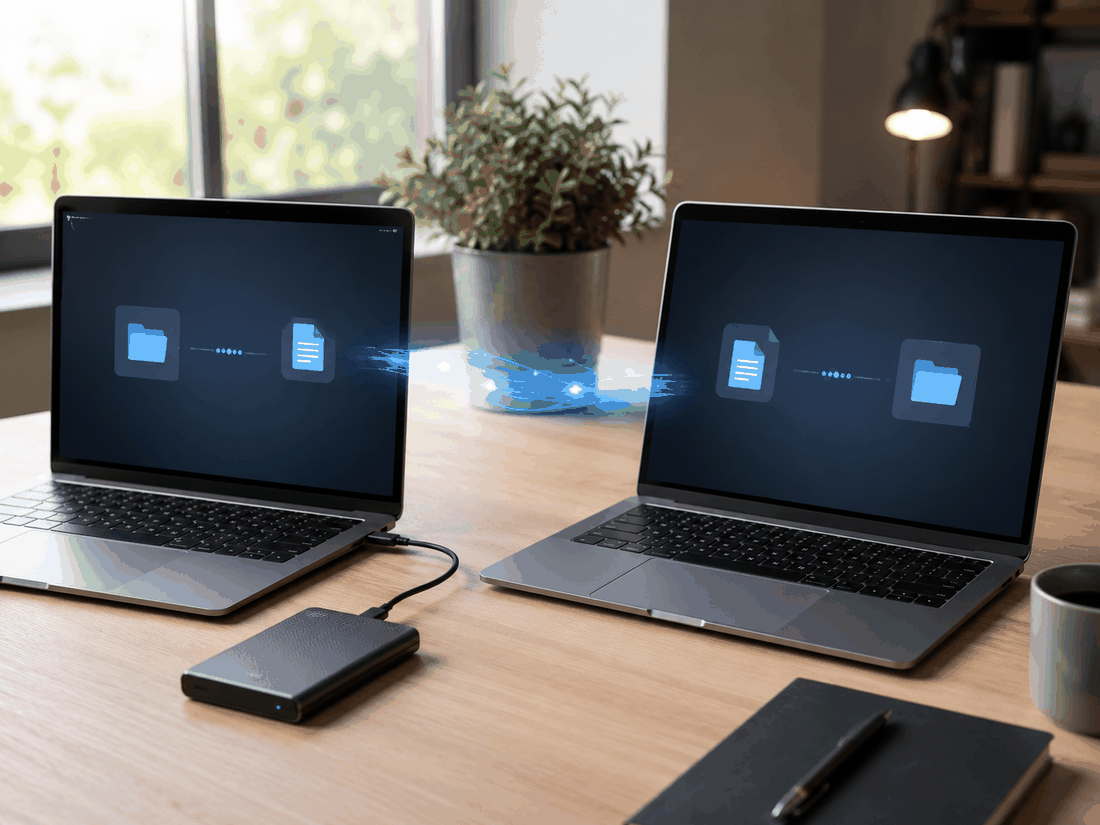
Copy your documents, photos, and browser bookmarks from your old computer. Check that everything opens correctly before you wipe or give away the old one.
Clean up and personalize
Uninstall trial software you won't use, install the apps you rely on, and set up your printer and email. Keep the old computer until you're sure nothing is missing.
Want your new computer set up and ready to go? We can help.
Explore Tech Support