
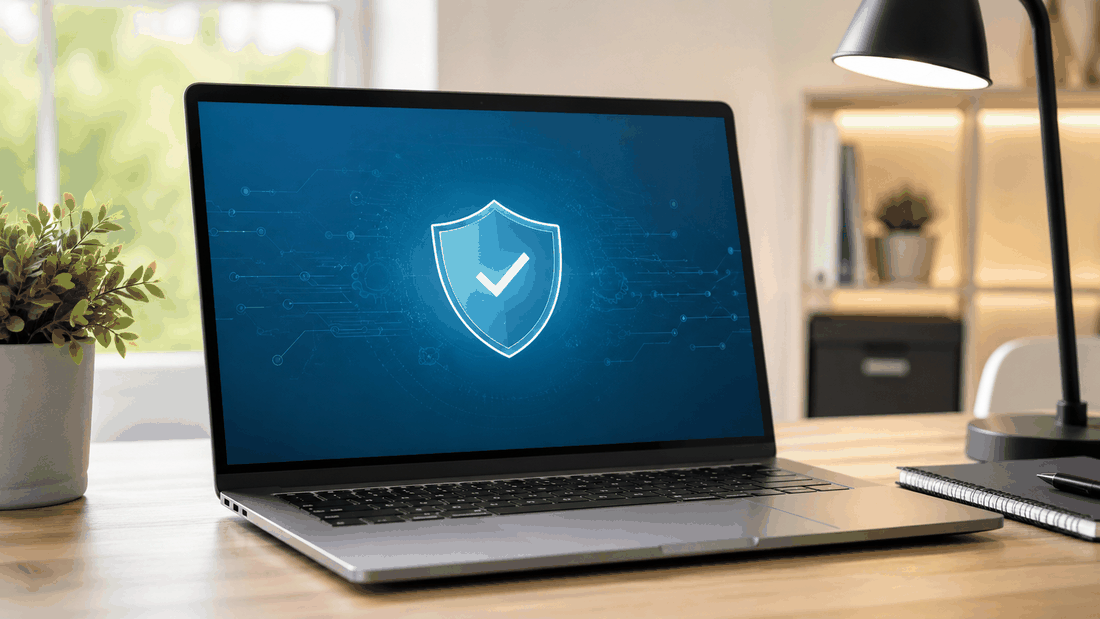
Your email and online accounts hold a lot of personal information. A few simple habits make them much harder to break into.
Key points
- Use a unique password for each important account.
- Turn on two-step verification.
- Let a password manager help.
- Be careful with unexpected messages.
Use strong, unique passwords
If one password is reused and leaked, every account using it is at risk. Long passphrases are easier to remember and harder to guess.
Turn on two-step verification
Two-step verification asks for a second code or approval when you sign in. Turn it on for your email first — email is often used to reset every other account.
Let a password manager help
A password manager creates and remembers strong passwords for you. Many phones and browsers include one built in.
Watch out for phishing
- Be wary of messages that create urgency or ask you to sign in through a link.
- Go to the website directly instead of clicking the link.
- Genuine support teams will not ask for your password.
Need help securing or recovering an account? We can walk you through it.
Explore Tech Support